Follow a live magnetic signal
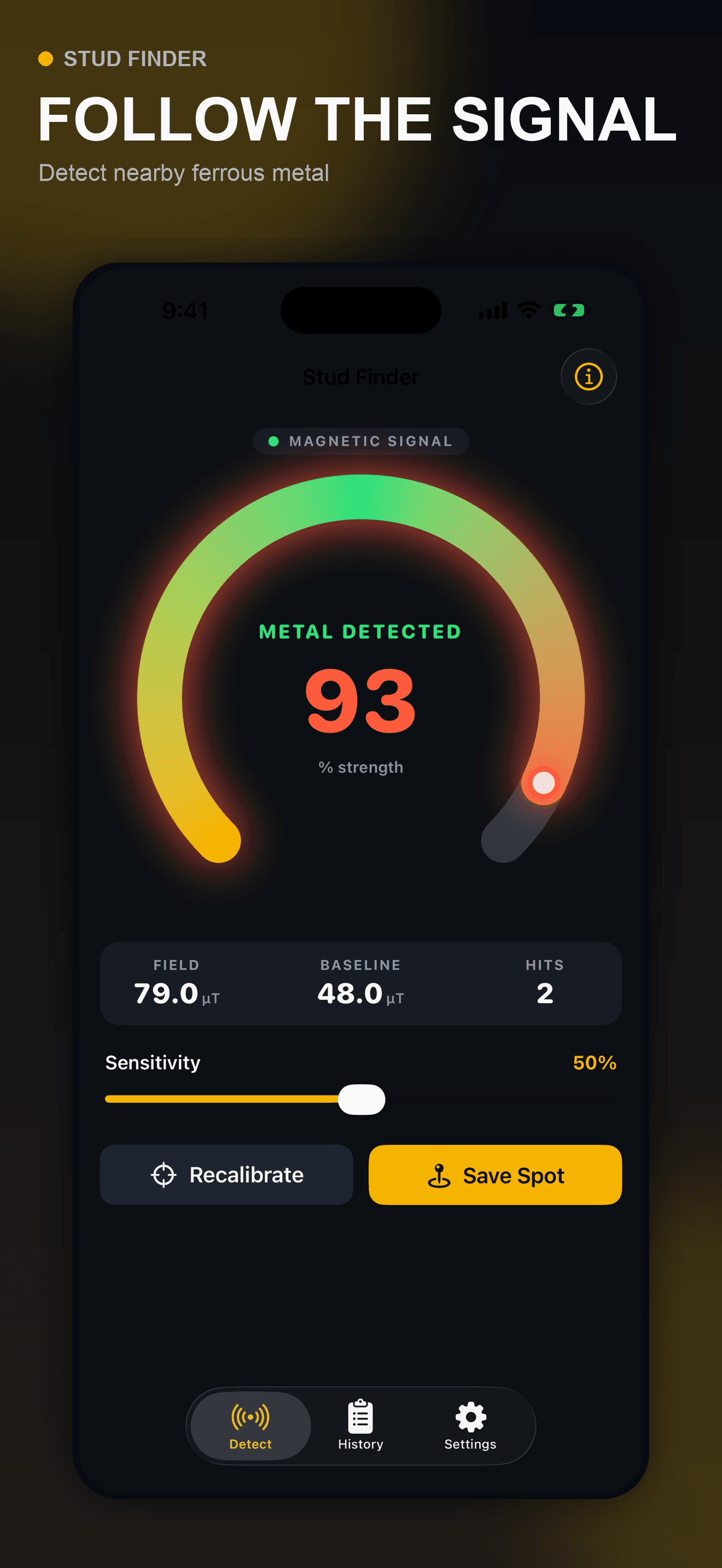
Watch the calibrated field value and large strength meter while moving the iPhone slowly across a wall.
A truthful magnetometer-based wall-scanning aid
Calibrate the ambient magnetic field, sweep slowly, watch for nearby ferrous-metal changes, and save useful peak readings with their location notes.
Built for the task
Follow a live magnetic signal
The short answer
A direct definition for readers, search engines, and answer systems.
Stud Finder is an iPhone magnetometer utility that visualizes changes in the nearby magnetic field. It may help locate ferrous-metal screws or nails associated with wall studs, but it cannot directly see wood, wiring, pipes, cavities, or exact stud edges.
The app detects magnetic-field changes, not wood edges, wiring, plumbing, gas lines, or cavities. Always confirm with appropriate tools and safe work practices before drilling or cutting.
Inside the app
Every feature supports the same workflow, so the app feels like a system rather than a folder of disconnected AI buttons.
Watch the calibrated field value and large strength meter while moving the iPhone slowly across a wall.
Tune how strongly the display reacts to magnetic changes in the current environment.
Establish a baseline away from strong metal, magnets, cases, and electronics before comparing nearby points.
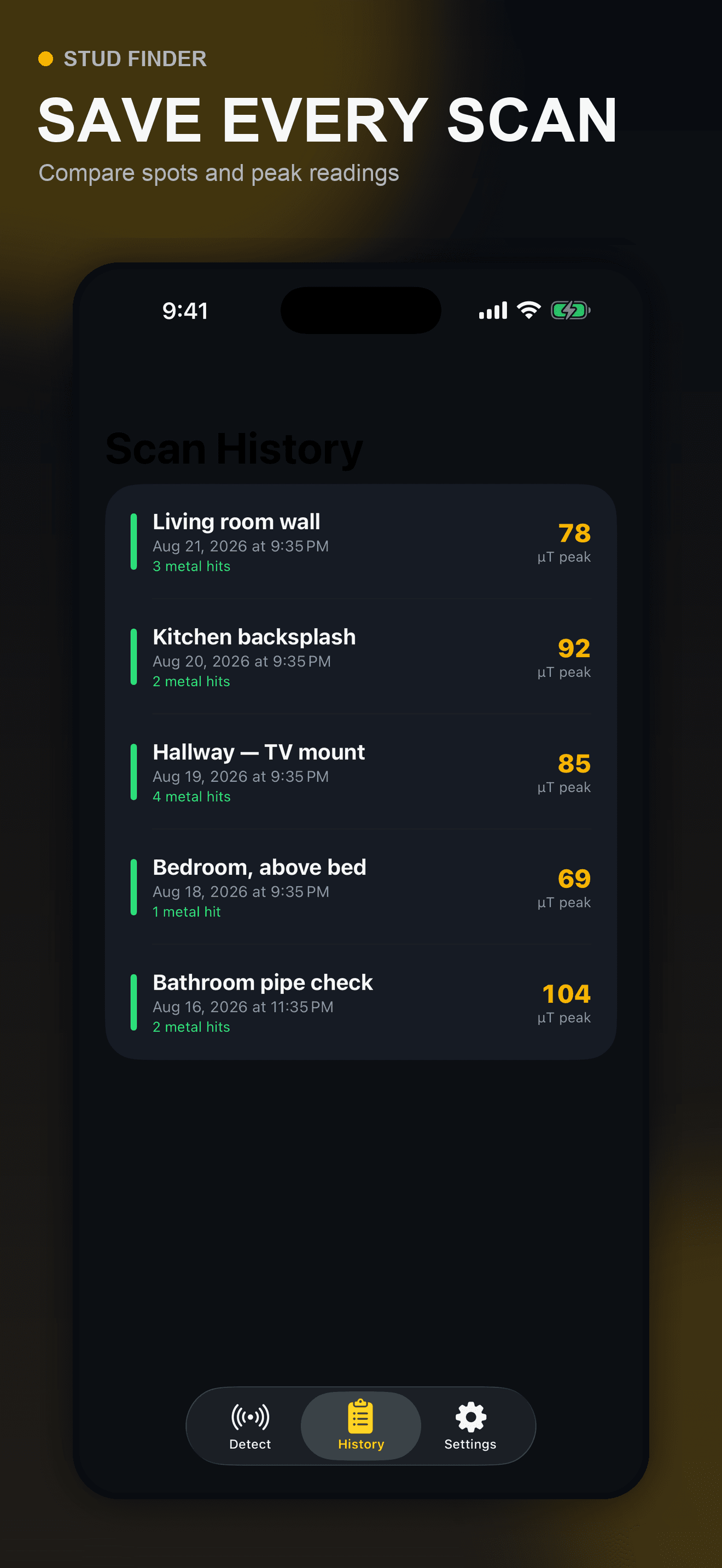
Label a location and keep peak readings and detected hits for later comparison.
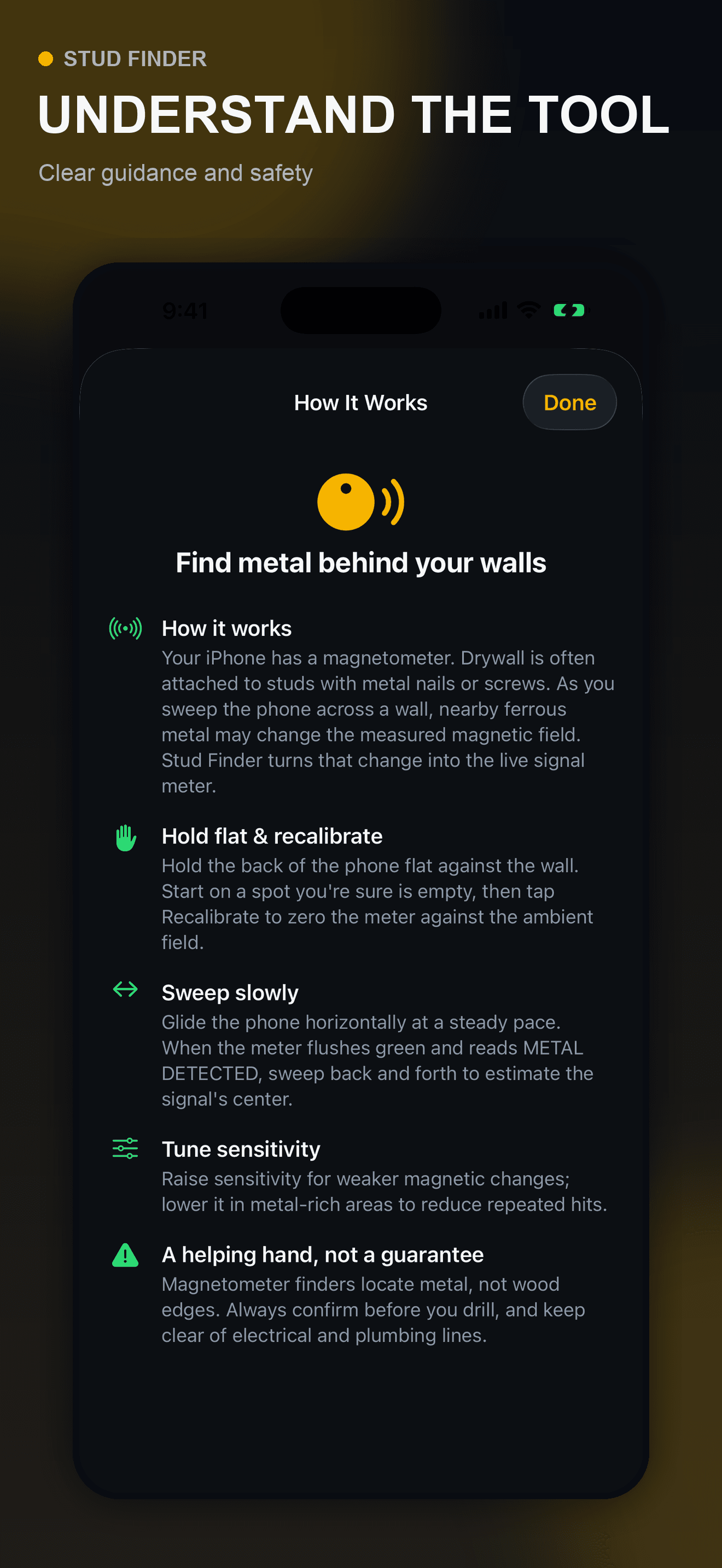
In-app guidance explains that the magnetometer responds to ferrous metal rather than directly detecting wood.
The app cannot rule out electrical wiring, plumbing, gas lines, or other hazards behind a surface.
Product tour
Real screens from the current iPhone experience.
How it works
Move away from strong metal, magnetic accessories, electronics, and other sources that can distort the reading.
Hold the phone consistently and compare multiple passes from both directions.
Treat a peak as a possible fastener location and verify the wall with appropriate tools before drilling.
Who it helps
Practical guide
Combine visible construction information, repeatable magnetic fastener clues, and appropriate dedicated tools without treating one phone reading as proof of wood, a drilling coordinate, or a cleared wall.
Direct answers
No. The iPhone magnetometer responds to nearby magnetic-field changes, often from ferrous-metal screws or nails. A peak may be a clue associated with a stud, not proof of the wood’s location or edges.
No. It cannot reliably detect or rule out electrical wiring, plumbing, gas lines, or other hidden hazards. Use appropriate dedicated tools and safe work practices before drilling.
Magnetic cases, mounts, nearby electronics, speakers, and metal objects can distort the magnetometer. Remove magnetic accessories and recalibrate away from interference.
The submitted initial release stores scan notes locally in the app’s private container on the iPhone. No account is required.
Currently in App Store review
Version 1.0 has been submitted to Apple and the public store page will appear after approval.
Submitted to App Store