Log an episode clearly
Record timing, intensity, symptoms, possible triggers, medication notes, and whether relief followed.
A private episode journal for your own reference
Record headache and migraine episodes with the details that matter to you, then review frequency, intensity, common triggers, and history over time.
Built for the task
Log an episode clearly
The short answer
A direct definition for readers, search engines, and answer systems.
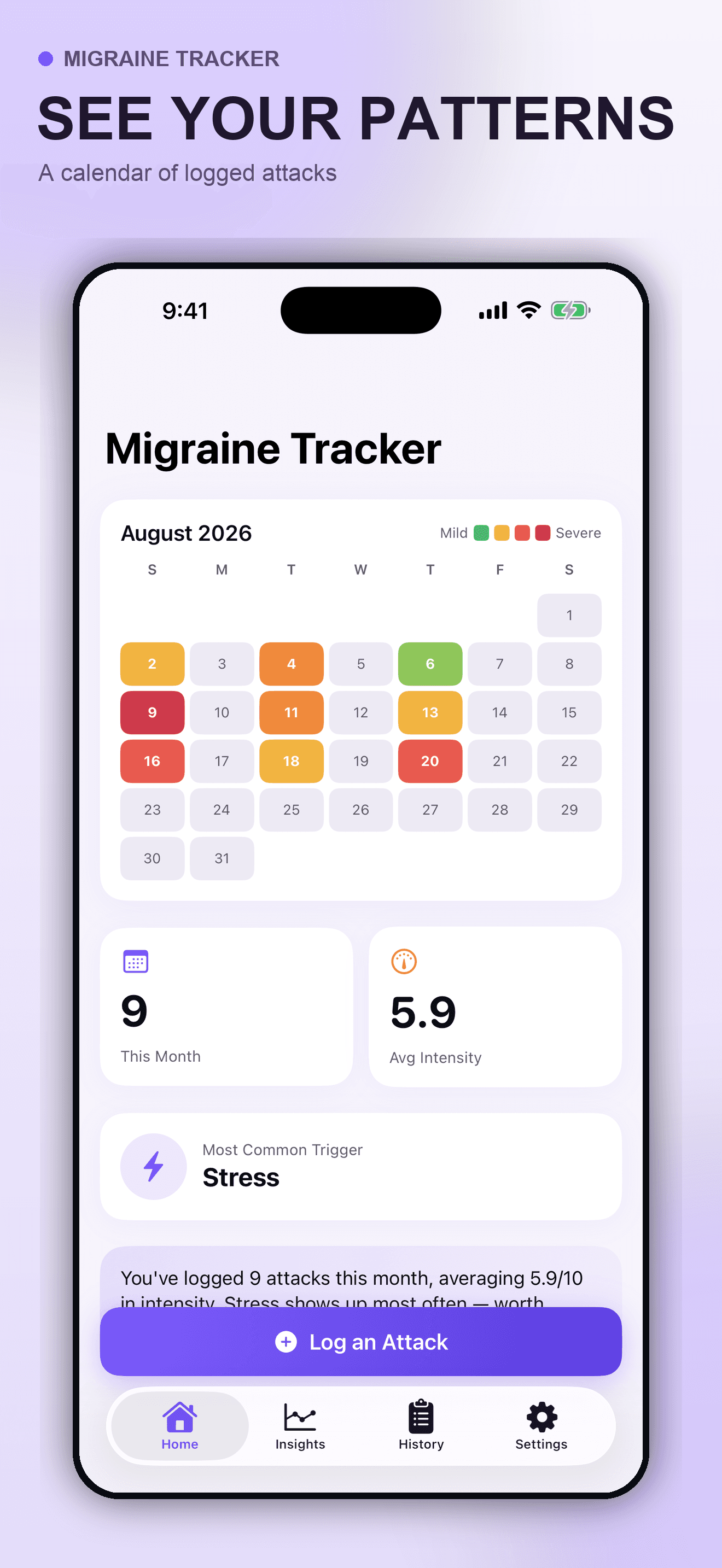
Migraine Tracker is a private iPhone symptom journal for recording headache or migraine episodes. It can organize timing, intensity, symptoms, triggers, medication notes, relief, calendar activity, trend charts, and local history without diagnosing a condition.
Migraine Tracker is a private journal, not a medical device. It does not diagnose, prevent, monitor, or treat a condition and is not suitable for emergencies.
Inside the app
Every feature supports the same workflow, so the app feels like a system rather than a folder of disconnected AI buttons.
Record timing, intensity, symptoms, possible triggers, medication notes, and whether relief followed.
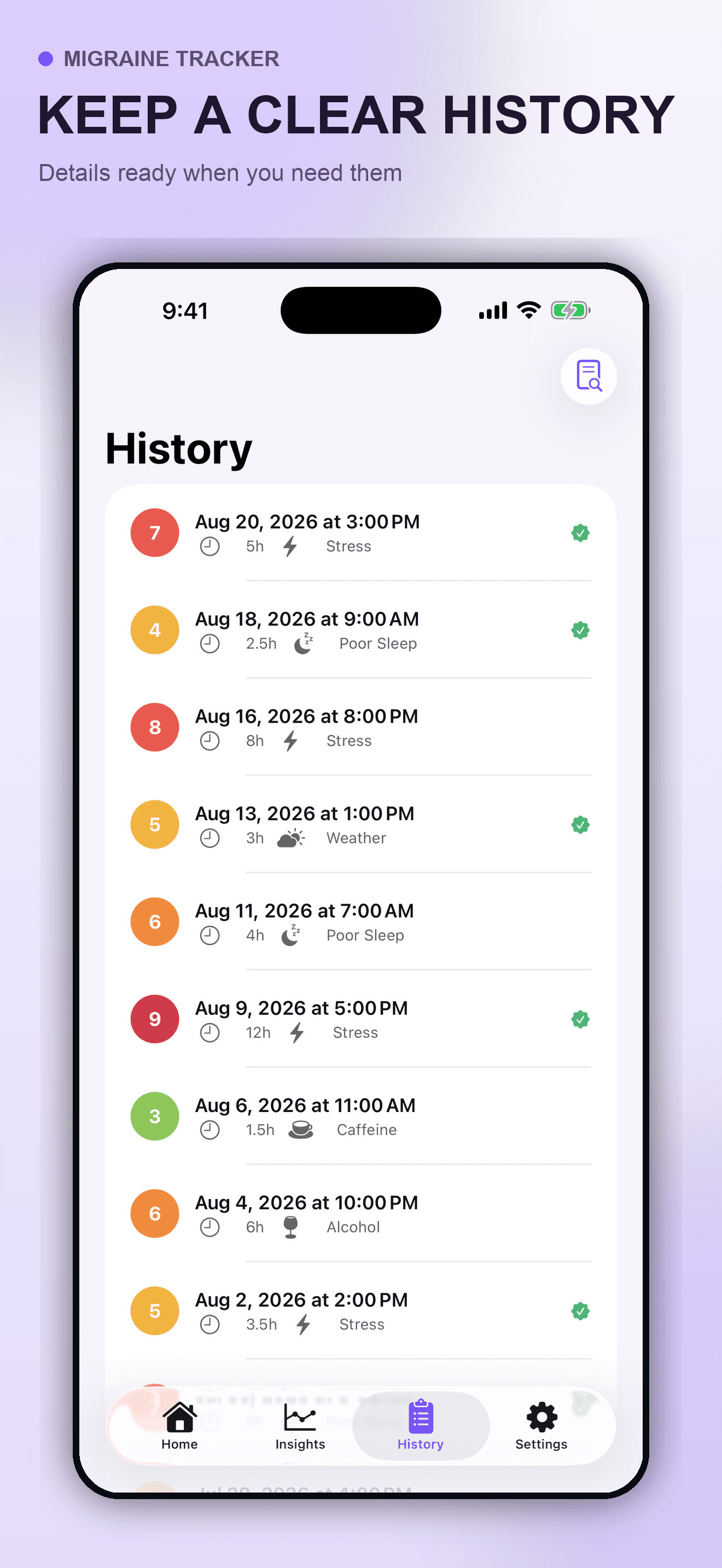
Review prior entries and the context you chose to record when preparing for your own reflection or a clinical conversation.
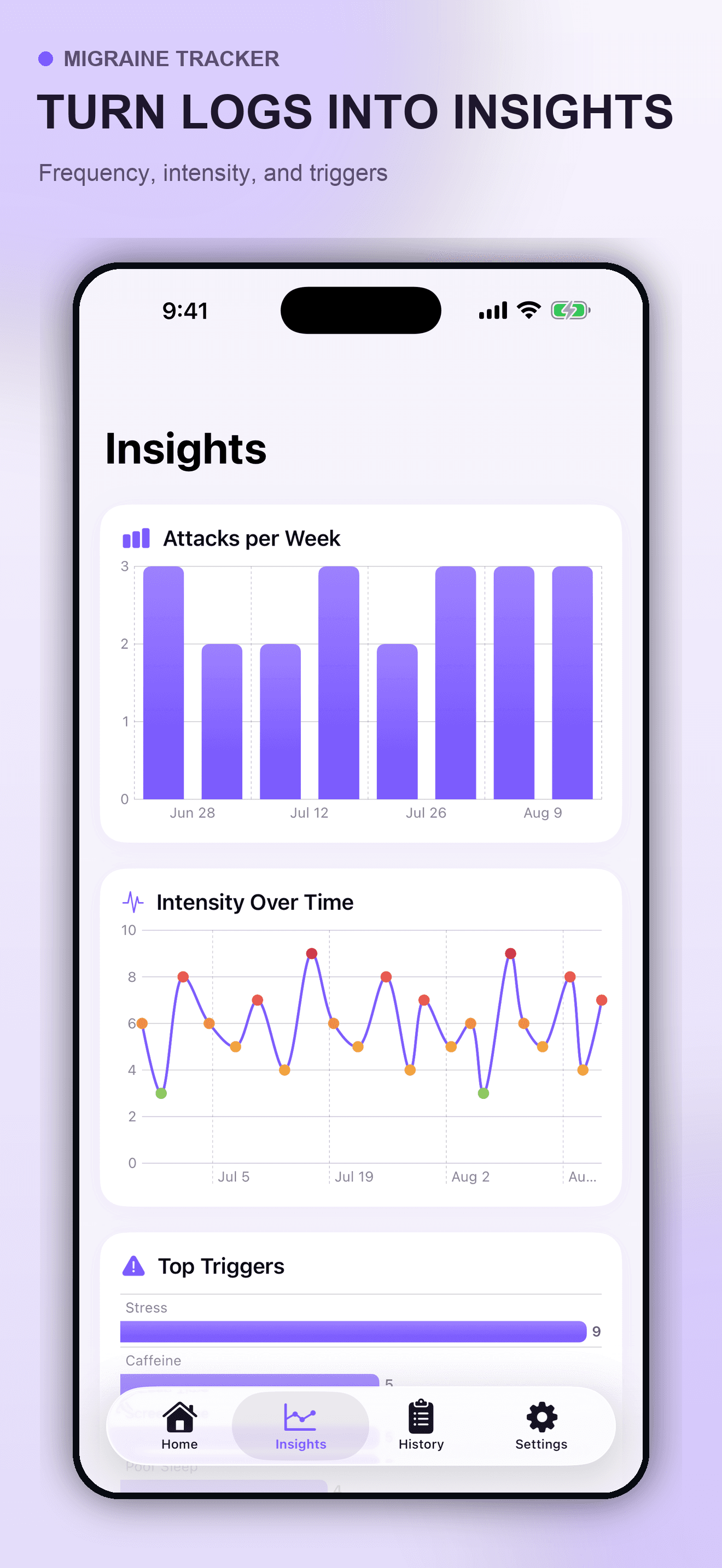
See calendar activity, weekly frequency, intensity over time, and commonly logged triggers from your own entries.
Organize the details that are easy to forget without presenting correlations as proven causes.
The submitted initial release keeps journal entries in the app’s private container and does not use active third-party analytics.
The app does not determine the cause of symptoms, recommend medication, prevent attacks, or replace professional care.
Product tour
Real screens from the current iPhone experience.
How it works
Add an episode with the time, intensity, symptoms, and optional notes you want to remember.
Choose possible triggers and medication or relief notes without treating them as confirmed medical causes.
Use the calendar, insights, and history to prepare your own questions for a qualified professional.
Who it helps
Practical guide
Build a simple headache diary around timing, duration, intensity, symptoms, medication notes, possible context, and functional impact—without turning patterns into a diagnosis.
Direct answers
You can record timing, intensity, symptoms, possible triggers, medication notes, relief, and free-form context. Include only information you are comfortable keeping on your device.
No. The app summarizes what you logged but does not prove causation, diagnose a condition, recommend medication, or predict an attack.
The submitted initial release stores entries locally in the app’s private container on your iPhone. No account is required.
Do not rely on the app. Seek local emergency care for urgent or severe symptoms, or contact a qualified clinician for medical advice.
Currently in App Store review
Version 1.0 has been submitted to Apple and the public store page will appear after approval.
Submitted to App Store