Likely place match
Photograph a recognizable facade, structure, monument, or landscape and review a best-effort landmark suggestion.
Photo-assisted landmark identification
Photograph a building, monument, or point of interest for a likely match, then explore architectural and historical context, visitor-reference details, photo ideas, and a private discovery map.
Built for the task
Likely place match
The short answer
A direct definition for readers, search engines, and answer systems.
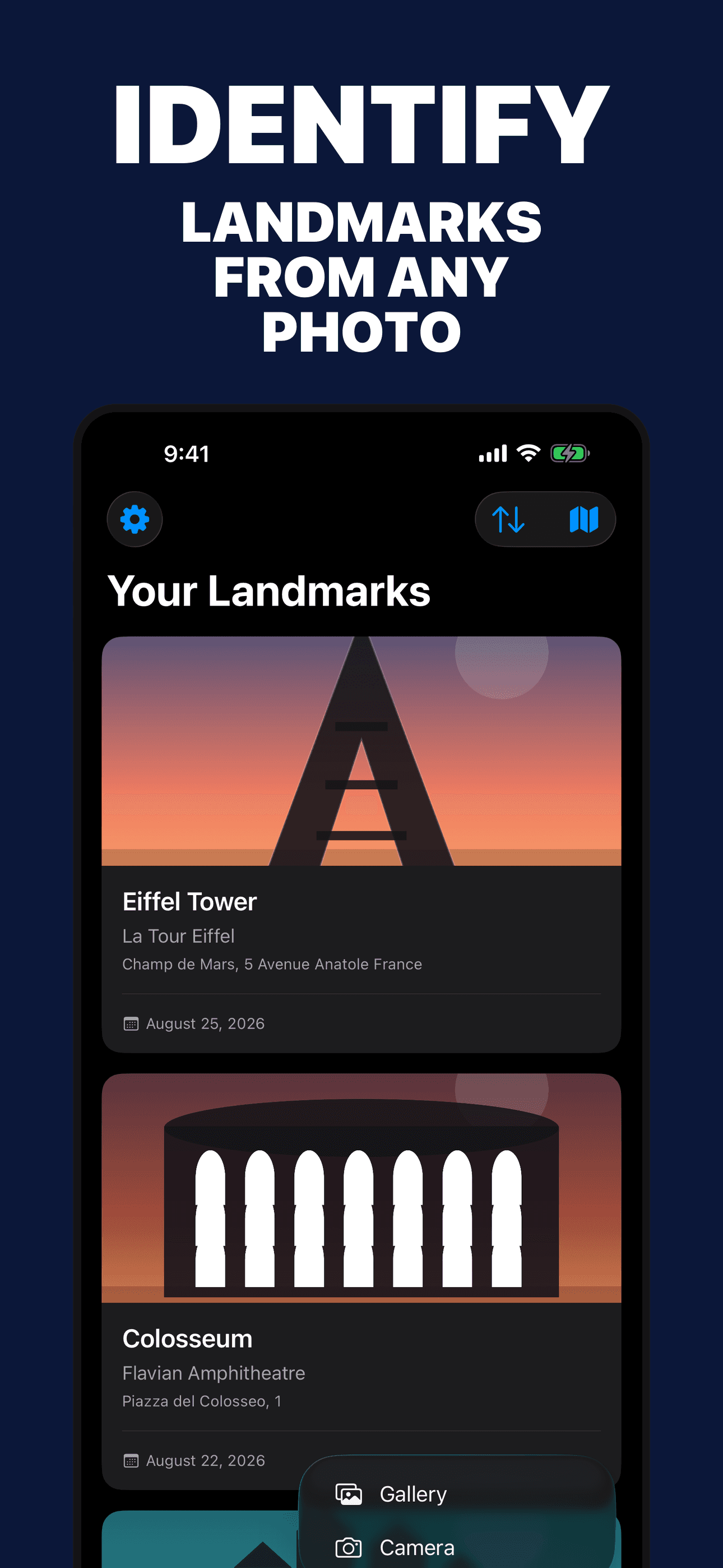
Landmark Identifier is an iPhone app that analyzes a photograph and suggests a likely landmark, monument, building, natural feature, or point of interest. It organizes architectural and historical context, reference visitor details, photo ideas, saved discoveries, and a private map.
Identification and visitor information are AI-generated suggestions. Verify current hours, fees, closures, accessibility, transport, restrictions, and safety information with official local sources.
Inside the app
Every feature supports the same workflow, so the app feels like a system rather than a folder of disconnected AI buttons.
Photograph a recognizable facade, structure, monument, or landscape and review a best-effort landmark suggestion.
Explore the likely name, alternative names, type, period, architect, style, materials, cultural context, and related events.
Save a current or photo-derived location with a discovery only when location information is available and permitted.
Review AI-generated address, access, transit, timing, and nearby-place suggestions, then verify them with current official sources.
Explore possible viewpoints, lighting suggestions, and photo considerations for the likely place.
Opening hours, fees, closures, accessibility, transport, restrictions, and safety information can change and must be verified.
Product tour
Real screens from the current iPhone experience.


How it works
Include the facade, silhouette, materials, surroundings, signage, or other recognizable context in clear light.
Check the place name, location, architecture, visible details, and confidence rather than treating one result as confirmation.
Explore the story or add it to the private map, then check current visitor information with the site’s official source.
Who it helps
Direct answers
It can suggest a likely place from visible architecture, structure, signage, surroundings, and optional location context. Similar buildings, partial views, and poor lighting can cause mistakes.
If permission or photo metadata provides coordinates, the app includes those coordinates in the AI request to improve the match and can save them with the discovery. Location is not required and permission can be revoked in iOS Settings.
Not necessarily. Those fields are AI-generated reference suggestions and can be outdated or wrong. Verify current hours, prices, closures, access, restrictions, and safety information with the official site or local authority.
Saved photos, result details, and optional coordinates are stored in the app and may sync through your private Apple iCloud account when available.
Available on the App Store
Free download · optional Pro. Built by Ideas All Day Ltd for iphone · ios 18+.
Download on the App Store